Is Al Reem Island Part of ADGM? What Businesses Need to Know
Al Reem Island has been part of ADGM's jurisdiction since 2023. Here is the legal basis, key dates, and what it means for businesses based there.
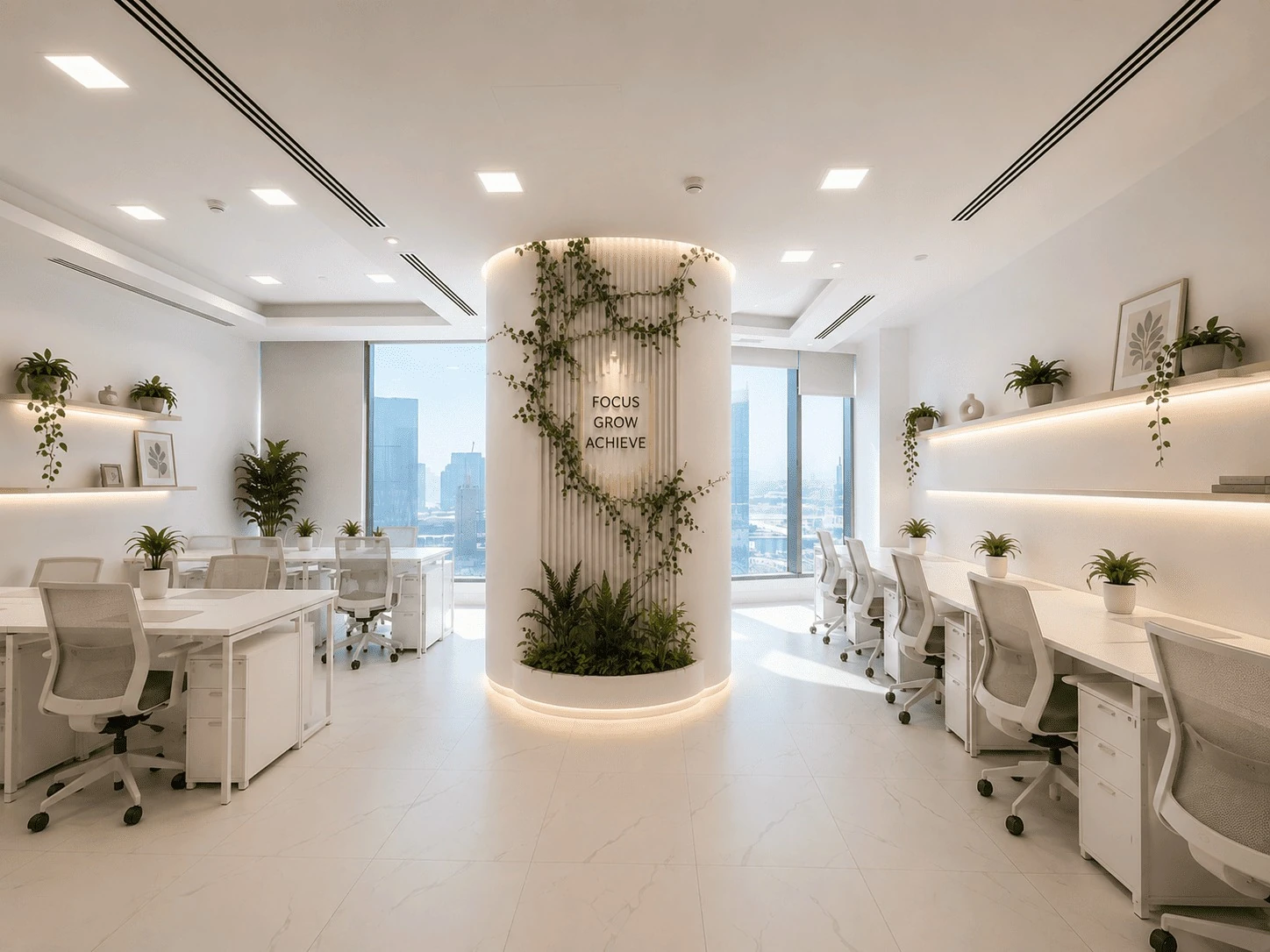
Step-by-step: how AccessRP lease registration, renewal and modification work in ADGM — UAE Pass login, the 90-day renewal window, and the approval process.
AccessRP in ADGM is the digital real estate platform where a lease, renewal, or modification for a property within ADGM's jurisdiction actually gets registered. A signed agreement with a landlord or workspace provider is the starting point, not the finish line: For many ADGM-related processes, businesses need a registered lease rather than only a signed lease agreement. AccessRP is the platform used to register and manage these leases.
This guide walks through how AccessRP works for the three things most businesses encounter — registering a new lease, renewing one, and modifying one — along with who is actually responsible for each step and what to check before assuming a step is complete.
ADGM generally expects a registered entity to maintain a ADGM physical office requirement backed by a lease, and increasingly that means a lease registered through AccessRP rather than only signed with a provider. This matters at several points: initial licence application, licence renewal, and opening or maintaining a UAE bank account, where proof of a registered address is routinely requested.
It also matters for specific licence categories. A Tech Startup licence, for example, carries its own Tech Startup licence desk requirement — a dedicated desk or office, evidenced by an executed lease — rather than accepting flexi-desking. In every case, the common thread is the same: the registration step on AccessRP is what makes the lease usable for ADGM purposes, not just the signature on the agreement.
The AccessRP UAE Pass login is the only way in — there's no separate AccessRP username and password to set up. UAE residents with a valid Emirates ID, or a valid entry visa with a Unified ID, generally have a UAE Pass account automatically; AccessRP uses that same login. Both tenants and landlords need a valid AccessRP profile for a lease to be registered, so a non-resident founder without a UAE Pass account can register for one directly through the AccessRP login screen — usually the first stumbling block for overseas founders setting up an ADGM entity from abroad.
Once logged in, a dashboard shows any applications in progress, each with its own Application ID for tracking, along with notifications when ADGM needs more information or has updated a status.
This is the point most guides get vague on. Under ADGM's Lease and Real Property Regulations, the landlord or their authorised representative is responsible for initiating the lease registration on AccessRP. ADGM states that a lease can be registered within one month after its effective start date without incurring penalties. — not something a tenant initiates on their own. The same applies to renewal: only the landlord can start a renewal on AccessRP, not the tenant. The tenant's role is to hold a valid AccessRP/UAE Pass profile and to approve the registration, renewal, or modification once the landlord submits it — both parties' approval is required before it's finalised.
In practice, this means a business taking a dedicated desk in ADGM or any other workspace tier isn't the one filing the AccessRP paperwork — the workspace provider, acting as landlord, is. What the tenant should actually do is confirm that the provider has registered the lease and that it shows an approved status, rather than assuming a signed membership agreement is automatically the same thing as a registered one.
Per ADGM's own guidance, a tenancy contract can be renewed up to 90 days before it expires — and, as with initial registration, it's the landlord who initiates the renewal, not the tenant. On renewal, the contract amount may increase by up to 5%, and occupants under the lease can be updated at the same time.
Starting early matters: a lease that lapses before renewal is submitted and approved can create a gap in registered-address status at exactly the moment a licence renewal or bank review might check it. If your landlord or workspace provider hasn't mentioned renewal as the 90-day window approaches, it's worth raising it directly rather than assuming it's already in hand.
ADGM allows a 7-day window from the date of registration to modify a lease — correcting a detail shortly after registering it. Once that 7-day window has passed, most changes (such as updating occupants or other lease terms) require the landlord to cancel and re-register the lease rather than editing it in place; attaching an additional unit to an existing lease is the one exception that doesn't require a full re-registration.
The practical implication is that a verbal or email agreement to change something about a lease doesn't update the official AccessRP record on its own, and depending on timing, it may mean a fresh registration rather than a simple edit — worth confirming with your landlord or workspace provider rather than assuming either way.
Every AccessRP submission — registration, renewal, or modification — moves through the same general stages: submission by the landlord, tenant approval, and ADGM review, with an Application ID that lets both parties track progress rather than wait without visibility. If something in the submitted documentation is missing or inconsistent, the application typically sits in a clarification-requested status until it's resolved rather than being rejected outright.
For time-sensitive situations — a licence renewal deadline, for example — it's worth confirming with your landlord that the renewal has actually been submitted well ahead of the deadline, since review timelines aren't published as a fixed number of days.
Registering a lease is generally the landlord's statutory obligation under ADGM's Lease and Real Property Regulations, not something a tenant initiates directly. The tenant's role on AccessRP is to hold a valid profile and approve the registration once the landlord submits it. The same applies to renewals — only the landlord can start one.
An unregistered lease generally remains valid between landlord and tenant, but it an unregistered lease may not be sufficient for certain ADGM processes that require evidence of a registered lease. Businesses should confirm their lease's registration status before relying on it for licence or other regulatory requirements. and may not reliably support an ADGM licence application, renewal, or bank account request. Registering late can also trigger late-filing fees. Aegis clients should confirm directly with their landlord or workspace provider whether their specific lease has completed this step.
ADGM doesn't publish a fixed turnaround time for AccessRP approvals. Confirming with your landlord that a renewal has been submitted well ahead of any deadline — particularly since renewals can be started up to 90 days early — is the most reliable way to avoid a gap.
Yes. AccessRP authentication runs through UAE Pass rather than a separate login. UAE residents typically already have an account; non-residents can register for UAE Pass directly from the AccessRP login page.
ADGM's real estate services are primarily delivered through AccessRP, though an in-person option through the ADGM Service Centre is also available for cases where the online process isn't suitable. For most routine registrations, renewals, and modifications, AccessRP is the faster route.
AccessRP is where an ADGM lease actually becomes registered, not just signed — and it's the landlord, not the tenant, who is responsible for registering and renewing it, with the tenant's role being to hold a valid profile and approve. Renewal can start up to 90 days ahead of expiry; modification has only a 7-day window after registration before most changes require cancelling and re-registering. Treat the Application ID and an approved status, not the signed agreement alone, as confirmation that a lease is genuinely registered.
If you're setting up or renewing a dedicated desk in ADGM at Addax Tower, Aegis Coworking can walk through what AccessRP registration looks like for your specific lease, since Aegis handles the landlord side of this process for its own tenants. Get in touch to confirm the details before your next licence application or renewal.